Questions and Answers:
What details need to be displayed for each event?
Most of our events are led by a speaker, and might have a theme. We only need simple details and perhaps information about what will be discussed or performed.
How many events do you have per day?
We have a fairly small building, so we don't host very much! We usually have a few events a week, and try to only have one per day to keep cleaning to a minimum.
Do you need a system for reservations/RSVP?
Not really! We're a bookstore, not a convention center. Our audiences usually range from 10 to 50 people. We do have a few spare rooms for overflow, so we could easily handle an event having an unusually high attendance.
Who will be doing the schedule entry?
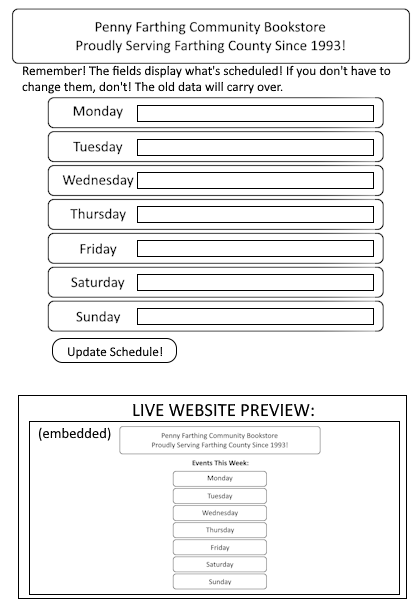
Our head librarian, Sarah-Lynn, will be doing that! She loves to organize events, and is very good at handling the clerical tasks involved. However, she isn't really experienced with programming and dislikes having to use new tech. If possible, we'd like a second entry system that doesn't even use a website.
What sort of features should the customer-facing page have?
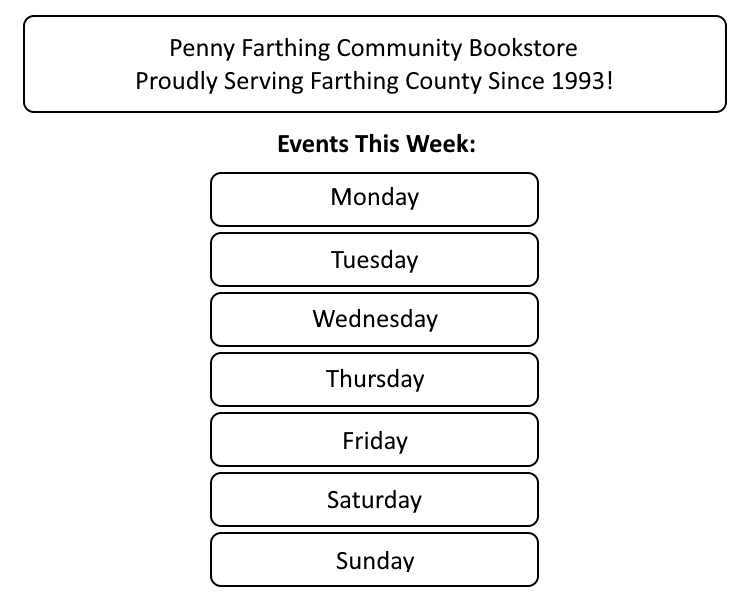
This will be one webpage on our site, so we're okay with it having a simple, single-week design. Other, more complicated features such as reserving our space for events is already handle by the "Contact Us" button on our main page.
Solutions:
Solution 1:
An events database that stores the event host, date, and description as separate columns. The edit interface will add new entries to the database and then query the database for those events. This will allow for archival of events, and could even allow for recurring events to be listed without being typed in every week.
Solution 2:
A text file with seven lines, one for each day. The user-facing side reads from the file (Which users do not have write permissions for), and outputs each line into an array and puts one entry from the array into each slot. This would allow the head librarian, who doesn't know how to work computers, to input events through either the website or by literally editing a text file in a way that she can easily be taught.